
FEATURES
All you need to track your card collection
A free Pokémon card tracker to log every card you own, chase the cards you still need, and plan your binder pages.
Cards · Binders · Master Sets

TRACK CARDS
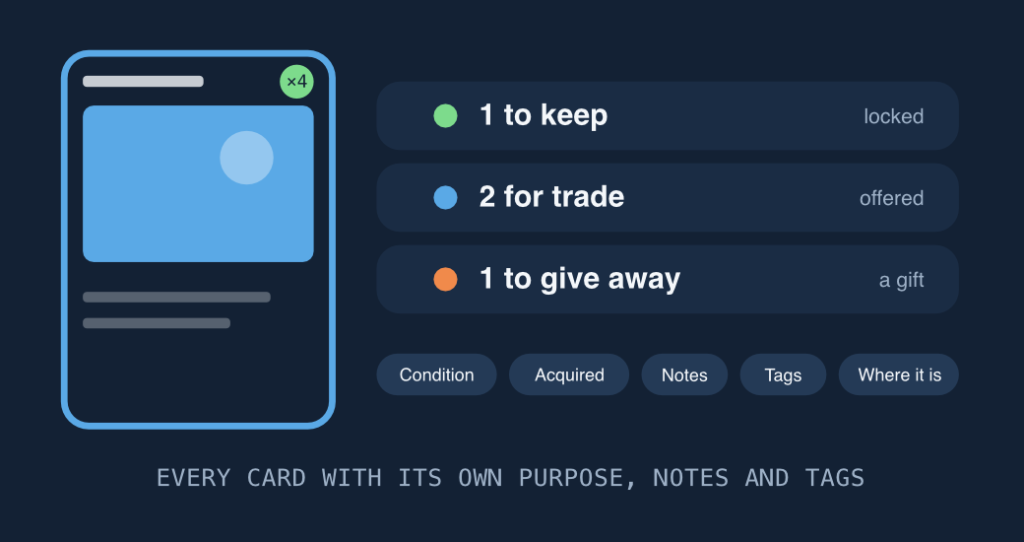
Mark each card to keep, trade or give away
Log each card with its variant and condition. Add notes and a purpose: to keep, to trade or to give it away. “Lock One Copy” keeps one of each card safe, so it never shows up as a spare.
WISHLIST
A wishlist for the cards you‘re chasing
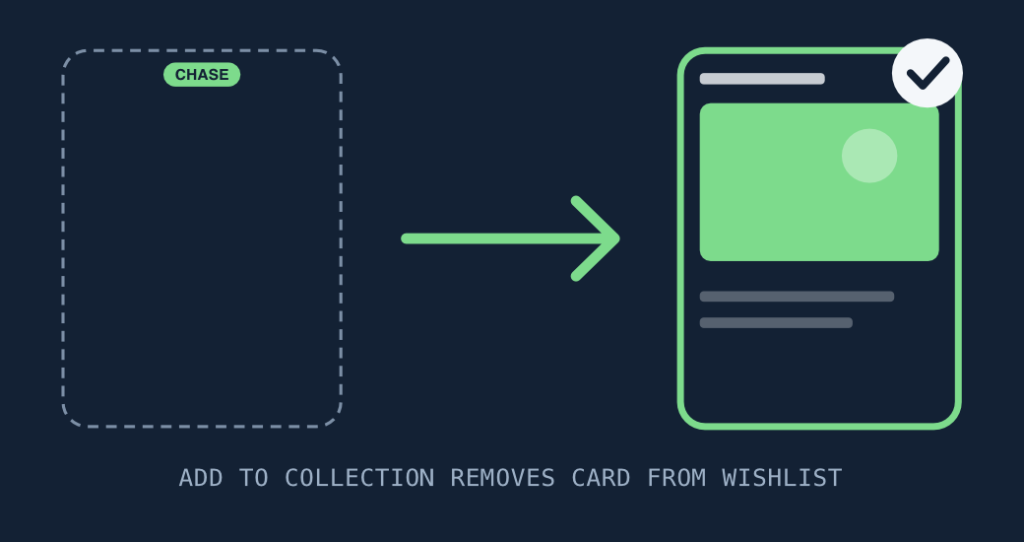
Add the cards you want to your wishlist. When a card joins your collection, pokaeru can take it off your wishlist for you.
BINDER PAGES
Plan and organize binders seamlessly
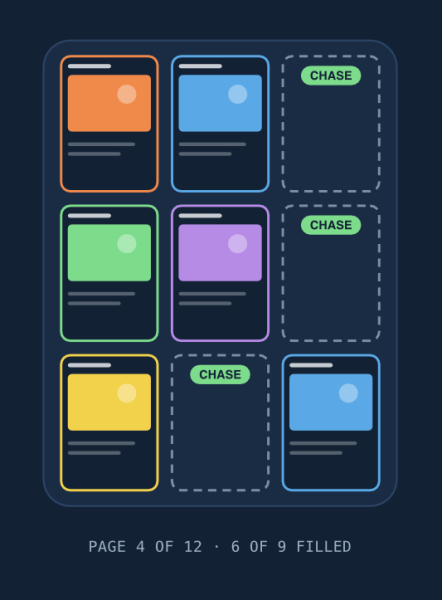
Plan a binder page by page, and flip through the pages. Build one for a whole set, a Pokédex range, or several sets together. Cards you don’t own yet show as faded placeholders, so you can see what’s missing before you buy a single card.
BINDER SHELF
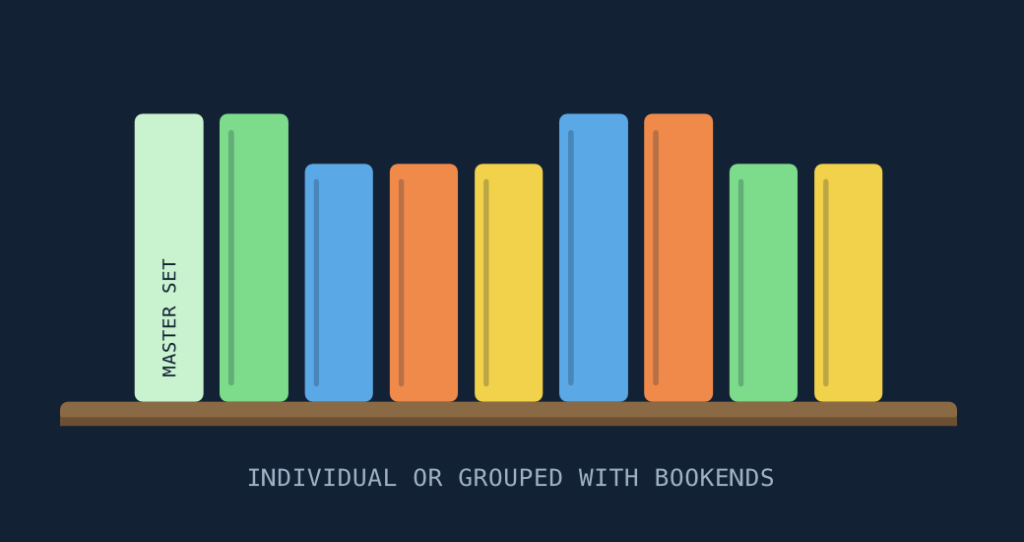
See all your binders on one shelf
Keep every binder on one shelf, with its own name and color. Swap cards between slots when you change your mind. If you delete a binder by mistake, simply Undo to bring it back.

POKéDEX MAPPED
Every card in your collection represented
Track how far you’ve come with your Pokédex. Every Pokémon from Kanto to Paldea (all 1,025) is a dot. Tap a dot to see the card, and pick the card that stands for each Pokémon.
And more
The rest of the toolkit
Find and add cards
Search by Pokémon, set, artist or card number, like “53/86”. Typos are forgiven. Add a run such as “1-12, 15” in one step, or type the numbers from a fresh pack.
Collection
Filter, sort and group your cards. Save your favorite views, select many cards with a drag box, and tag them your way. Add custom cards for promos and misprints.
Favorites
Star the cards, Pokémon, artists, sets and series you love. Your favorites gather in one place. Filter and save views here, just like in your Collection.
Backup and restore
Save a full backup file any time. Automatic backup keeps your last 14 copies on your device. Restore only adds what’s missing and never deletes.
Binder PDFs
Print any binder as a PDF. Choose a grid that looks like your pages, with card images, or a plain text list. Print it to take to a card show, or keep it as a checklist.
iCloud sync
Turn on iCloud sync in Settings to keep your cards, binders, wishlist and favorites in step across your Mac, iPad and iPhone. It’s optional and off by default.
FREE APP
Get your card collection ready for pokaeru
Made for Mac, iPad and iPhone